 QwenImage21.net
Qwen Image Editing: Change One Thing, Preserve the Rest
Use explicit preservation instructions and controlled revisions for backgrounds, materials, and character consistency.
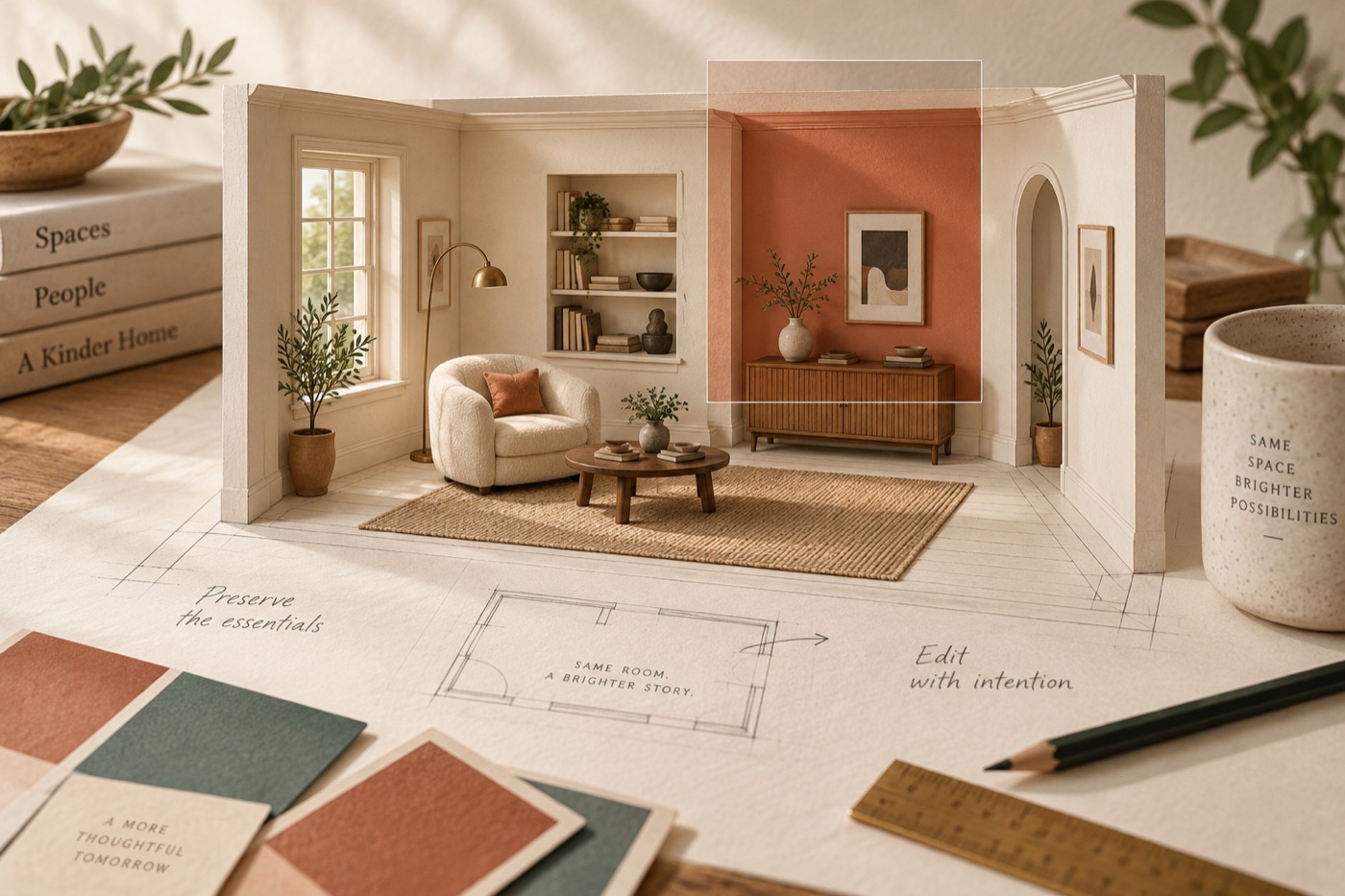
Image editing is a preservation problem as much as a generation problem. “Make this better” leaves the model to decide what should change. A stronger request describes both the intended modification and the parts of the source that must remain recognizable.
The Qwen-Image-Edit-2511 model card describes improvements in consistency and reduced image drift. These are developer-reported capabilities, not a promise of pixel-perfect preservation in every edit.
Divide the brief into change and keep
For a room image, the change might be the wall color. The keep list might include camera angle, furniture positions, window dimensions, and floor pattern. State those conditions together:
Change only the painted back wall to a muted warm terracotta. Preserve the camera position, furniture layout, window frame, floor pattern, and all visible objects. Keep the original daylight direction and realistic shadows.
This original example gives you a clear acceptance test. If the chair moves, the edit has failed even if the new wall looks attractive.
Make edits in separate passes
Replacing a background, changing clothes, and adjusting a person's pose at once makes it difficult to diagnose identity drift. First approve the background change, then attempt another modification. Save each approved version and keep the untouched source available.
Repeated editing can accumulate unintended changes. If a later result deteriorates, restart from the original or the last clean checkpoint instead of continuing to edit the damaged version. When the interface offers masks, use them to express the target region, then still inspect the rest of the frame.
Compare more than the obvious subject
Check faces, hands, jewelry, logos, and object edges. Also inspect the background for new objects, shifted perspective, and inconsistent reflections. Side-by-side viewing is useful; an opacity overlay in an image editor can reveal shifts that are hard to notice from memory.
For character work, keep a stable reference image and a short description of identity-defining features. For product work, treat exact shape and label fidelity as acceptance conditions. If preservation remains unreliable, combine the generated portion with the original image in a conventional editor rather than accepting an unintended redesign.
For catalog work, pair this checklist with our product-image workflow. If you are comparing editing tools, the Qwen Image and Gemini guide explains how to keep inputs consistent. For a new composition from text, use the image generator.
Cover: editorial illustration generated with Codex, not an output from the models compared or a benchmark sample.