 QwenImage21.net
How to Write Better Qwen Image Prompts
A reusable prompt structure for subject, composition, lighting, materials, and deliberate iteration.
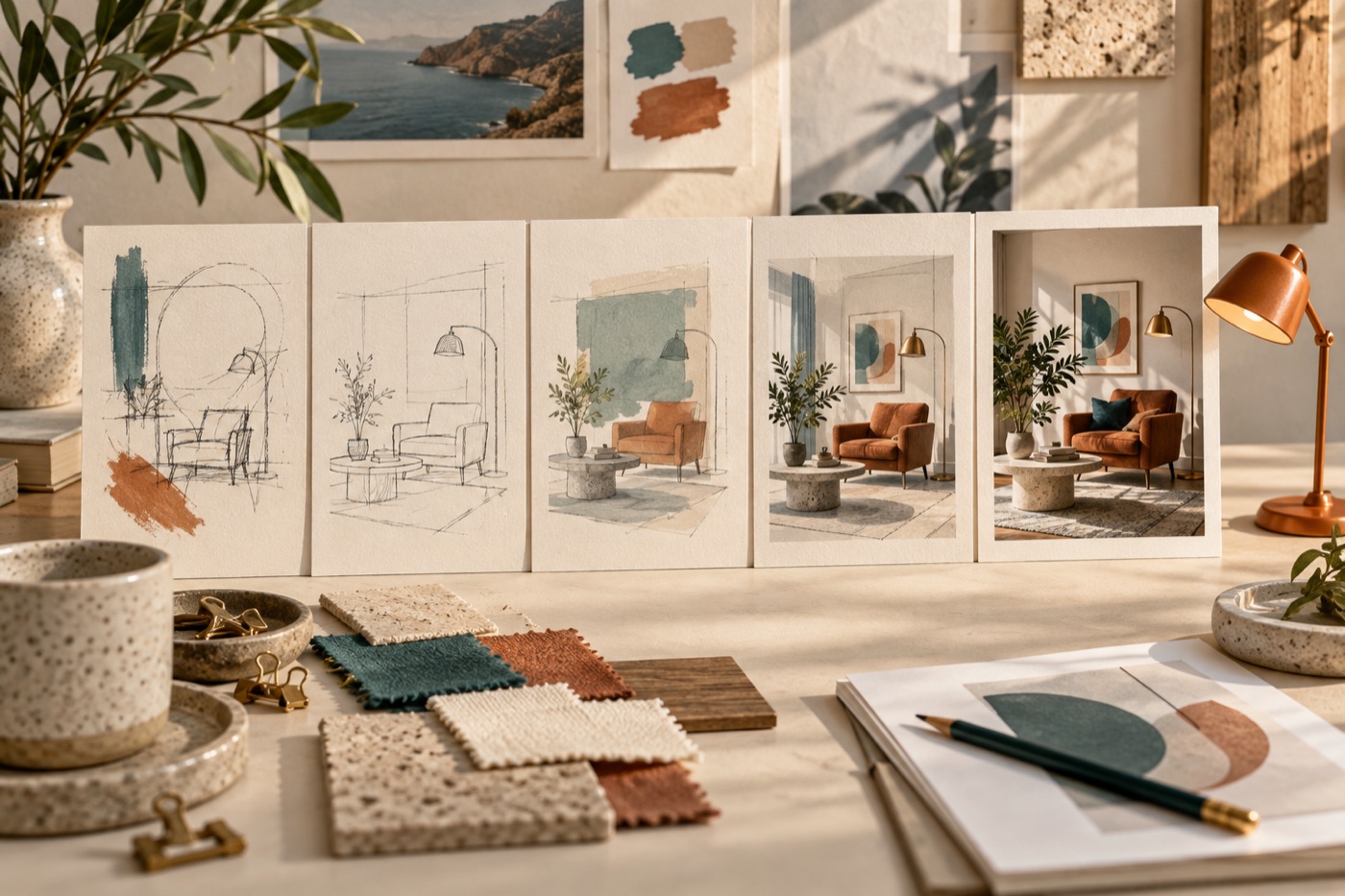
A useful image prompt behaves like a small creative brief. It tells the model what the picture is for and which visible details matter. Long strings of praise such as “amazing” and “masterpiece” give less direction than a specific camera position or a clearly described surface.
Build the prompt in five parts
- Subject: name the main object and its important attributes.
- Scene: describe the setting and its relationship to the subject.
- Composition: state the viewpoint, framing, and useful empty space.
- Appearance: choose lighting, materials, and a coherent visual style.
- Constraints: identify a few things that must appear or remain absent.
Here is an original example for an article cover:
A single orange desk lamp on a cream writing desk beside a rainy window. Eye-level medium shot, lamp on the right third, uncluttered left half. Soft gray daylight mixed with warm lamplight, matte painted metal, editorial photography. No people, no lettering.
“Lamp on the right third” is an observable instruction. “Beautiful layout” is open to interpretation. Prefer requirements you can actually inspect in the result.
Match the prompt to the output controls
Choose the aspect ratio in the interface when that control exists. Mentioning “wide” in prose helps describe composition, but it does not replace the output-size setting. Likewise, asking for “4K” does not establish the dimensions of the delivered file. Check the downloaded image itself.
The Qwen-Image-2512 model card provides a concrete reference implementation with generation settings. A hosted service may expose a smaller set of controls, so use only options actually available in your tool.
Iterate by diagnosing the error
If the composition is wrong, revise placement before adding more texture words. If the subject is correct but the image is too busy, remove secondary objects. If lighting is inconsistent, specify one dominant light source.
Save your original prompt and change one variable per round. Keep the seed fixed when the interface supports it, while remembering that identical seeds do not make different models produce comparable compositions. Stop when the image satisfies the brief; additional prompt detail can introduce new conflicts.
Need a starting brief? Browse the prompt library, adapt one example, and try it in the image generator. For prompts containing Chinese headlines, continue with our Chinese poster workflow.
Cover: editorial illustration generated with Codex, not an output from the models compared or a benchmark sample.